Debugging with Dari
Brightspot provides the following sets of tools for debugging your projects:
-
System-level and database-level tools for reviewing configurations and schema, managing databases, and testing APIs. You can access these tools by navigating to
http://brightspot-host/_debug/.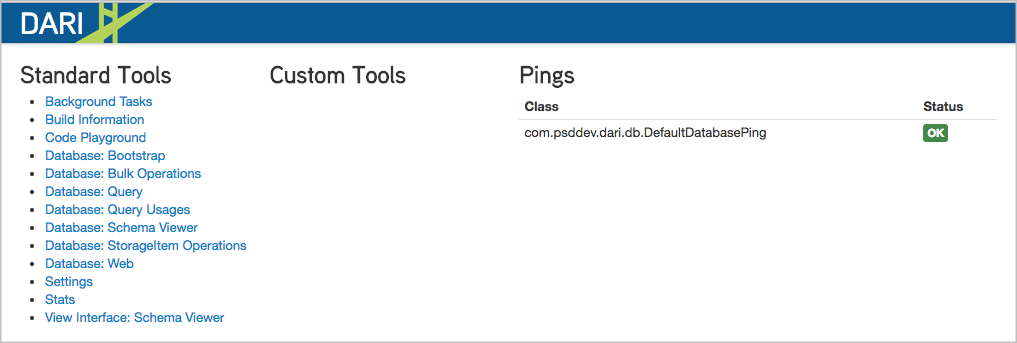
-
Contextual debugging that provides a view of load times for each module on a page. This tool is useful for identifying bottlenecks or latencies in your Brightspot pages. You can access contextual debugging by adding
?_debug=true or &_debug=true(depending on the query string) to a page’s URL. -
In addition to the URL query parameter that invokes the Contextual Debugging Tool, other query parameters are available to facilitate debugging.
For configuration information, see Debug tools.