Image URLs
Brightspot uses an open-source Apache module Dynamic Image Manipulation Service (DIMS) which incorporates ImageMagick to perform image manipulations. Many of Brightspot’s native themes involve cropping and resizing, all of which go through DIMS.
See also:
Understanding image URLs
You can perform customized image editing through DIMS by constructing a URL that has two components: ImageMagick commands and the URL of the raw image stored in Brightspot.

The following table describes the components of a DIMS URL.
| Component | Description |
|---|---|
| A | Image editing service to use. |
| B | ID of DIMS configuration to use. For information about configuring DIMS, see Configuring a DIMS image editor. |
| C | Signature generated by Brightspot. |
| D | Epoch time stamp when URL expires. |
| E | Editing options. |
| F | Encoded URL of image stored in Brightspot. |
The URL in the illustration "DIMS URL" is equivalent to the following ImageMagick command:
1convert bowtie.jpg -strip -crop 90x58+156+104 -resize 85x55 bowtie-small.jpg
The following examples show the effect of the URL in illustration "DIMS URL."
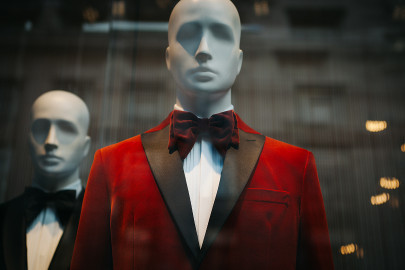 |  |
The following table lists the editing options you can submit to DIMS.
| Option | ImageMagick Equivalent | Description | Valid Values |
|---|---|---|---|
| brightness | -brightness-contrast | Image appears lighter. | [−100,+100] |
| contrast | -brightness-contrast | Enhances difference between lighter and darker elements of an image. | [−100,+100] |
| crop | -crop | Eliminates area of an image outside of the crop area. Optional offset is available. | Integers. For an explanation of this option’s syntax, see Image Geometry. |
| filter | -filter | Filter to use when resizing an image. | Grayscale, Invert, Sepia |
| format | -format | Graphic format into which raw image is converted. | jpg, png, gif |
| quality | -quality | Quality degradation allowed as result of compressing the image. | [1,100] |
| resize | -resize | Image’s final size. | Integers. For an explanation of this option’s syntax, see Image Geometry. |
| rotate | -rotate | Degrees by which image is rotated. | Integer. |